AI IMAGE
Inpainting
Edit one region, keep the rest pixel-perfect. Remove, replace or add anything.
4 credits
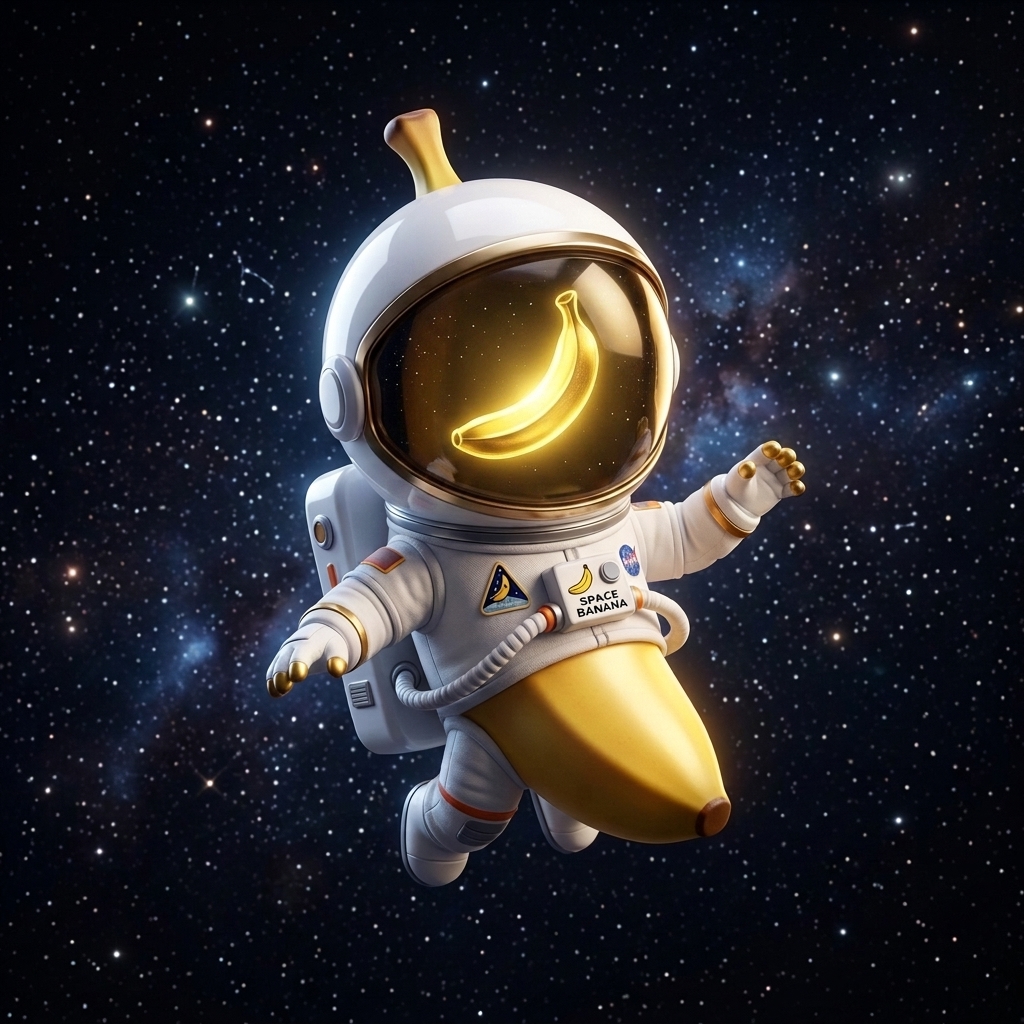 example
Made with Inpainting
View gallery →WHAT IT IS
About Inpainting
Inpainting edits exactly the region you describe — remove a passerby, replace a logo, add a product — while the rest of the image stays pixel-identical.
It is the cleanest way to fix a nearly-perfect shot instead of re-generating it.
How it works
- 1Upload your image
The shot that is almost right.
- 2Describe the edit
Name the region and the change: "replace the sky with storm clouds".
- 3Generate & download
One region changes; every other pixel survives.
Nano Banana Inside
Powered by Google's Nano Banana family — the fastest way to gallery-grade images.
Character Consistency
Keep the same face, product or mascot identical across every generation.
Real Text Rendering
Posters, labels and UI mockups with clean, legible typography — no melted letters.